“I need an accountant” covers very different work.
Personal filings, bookkeeping and payroll need different staff and preparation.
CALLMINDED FOR ACCOUNTING
Start with the service and deadline, not a pile of missing context.
Choose what the receptionist asks, what it can answer and what happens next. Explore a flow shaped around accounting.
Guided setup included. We help you approve and test your flow before the trial starts.
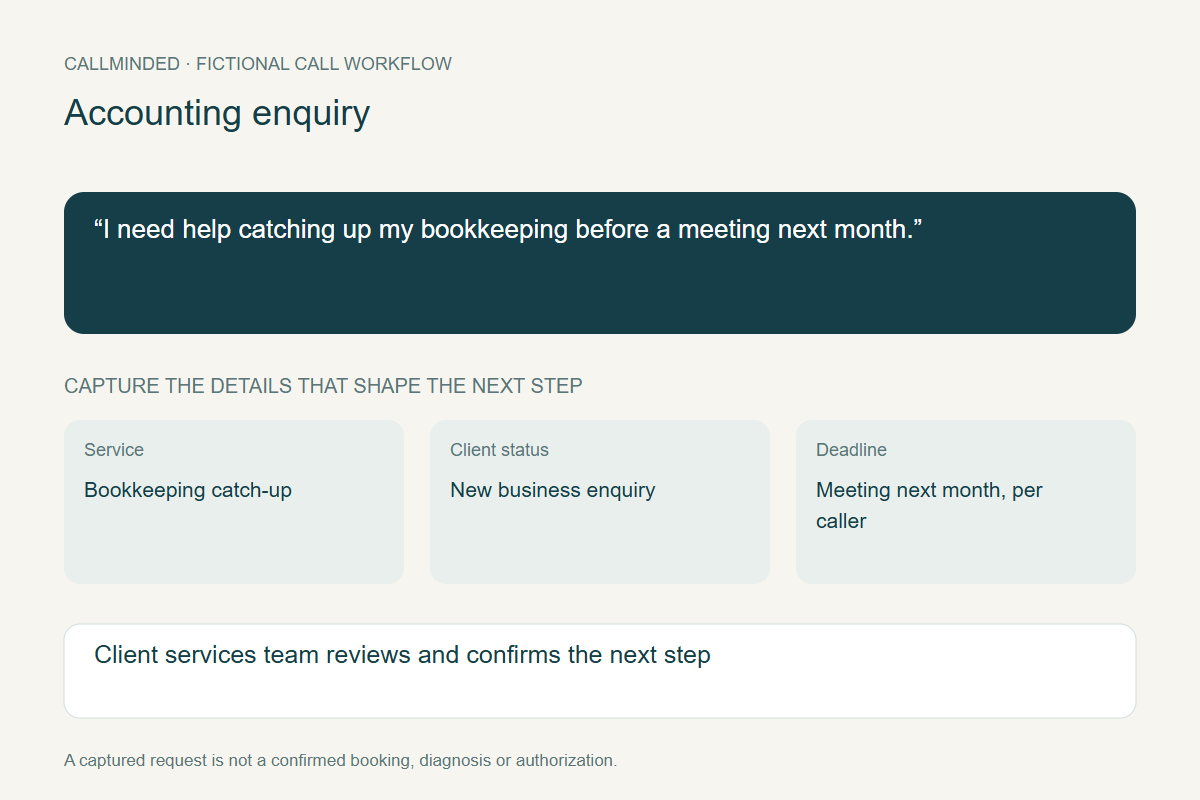
“I need help catching up my bookkeeping before a meeting next month.”
Client services team reviews and confirms.
Dashboard handoff · pilotFictional example. Your business sets the questions and limits.
WHY THE DETAILS MATTER
Personal filings, bookkeeping and payroll need different staff and preparation.
Record the date the caller is working toward without promising the firm can meet it.
Collect administrative context now and leave sensitive documents to the firm’s secure intake process.
WRITTEN CALL EXAMPLE · FICTIONAL DETAILS
See the caller’s request and the information prepared for your client services team. The brief includes details collected beyond this short excerpt.
“I need help catching up my bookkeeping before a meeting next month.”
“Is this for a business, and are you already a client?”
“A small business. I’m a new client.”
Close by confirming contact details and explaining that staff will review the request. This is an editorial example, not a customer recording. Any service prices are fictional business-menu examples, not CallMinded plan prices.
SAMPLE DASHBOARD REQUEST
Review service fit and capacity, then explain the onboarding requirements.
Current pilot handoff is in the dashboard. No calendar, email or SMS action is triggered.
YOUR BUSINESS SETS THE RULES
These are example choices for a setup discussion. You approve the questions, answers and handoff, then review test calls before activation.
Explore business controls →Explain approved services, consultation policies and office procedures. Do not give tax advice.
No tax position, filing deadline interpretation, outcome promise or collection of tax IDs, bank details and portal passwords in general intake.
THE NEXT SYSTEM IN YOUR WORKFLOW
A future CRM connection should create a service enquiry and task owner. Document requests belong in the firm’s approved secure portal.
CRM and scheduling connections are planned. Tell us the app you use so we can assess the connection, required fields and approval rules.
See the integration approach →Collect the agreed details in the pilot dashboard.
Match the customer, service and your approval rules.
Save the request in your app and show anything that needs attention.
A PRACTICAL START
Choose the flow, approve your business facts and review test calls together. Carrier forwarding and fallback are verified before activation.
EDITORIAL REVIEW · OCTOBER 14, 2026
Start with the request in the example above: new business · bookkeeping enquiry. The goal is a brief your client services team can act on, with the original caller details preserved. These are proposed setup choices, not active settings or measured customer outcomes.
Ask only for details needed to handle the enquiry. Confirm the caller’s name and callback number, accept corrections, and leave unknown information visible. Avoid making someone guess details they do not have. Your business approves the questions and the fallback for requests outside your services.
Explain approved services, consultation policies and office procedures. Do not give tax advice. Keep the approved wording, currency, inclusions and conditions together. A starting fee must not become a final quote when the work has not been assessed.
No tax position, filing deadline interpretation, outcome promise or collection of tax IDs, bank details and portal passwords in general intake. An urgency flag does not establish availability. A requested day or time is not a booking, and a saved brief is not authorization to perform the work.
Review missing details, corrections, staff follow-up and the eventual outcome. Count a successful conversation separately from a confirmed appointment or sale. Use your own trial records to decide whether the flow helps; no conversion increase is promised.
Use the receptionist trial scorecard · Understand requests versus confirmed bookings · Evaluate answers and uncertainty
Create your account, verify your email and prepare your business information. Guided setup and forwarding checks come before activation. The free trial lasts 14 days or 50 AI conversation minutes, whichever comes first, and starts when your receptionist is ready. No credit card is required; answering pauses at the limit, with no automatic extra-minute charges.
Start my free trial ↗See the signup and setup steps · Review current pricing and trial terms
These workflows are our design interpretation of industry documentation. They are not performance claims, endorsements or proof of a CallMinded integration. Reviewed September 29, 2026.
A FEW GOOD QUESTIONS
It can capture the date and caller’s concern for staff review. It must not promise a filing or work completion date.
This example collects administrative context only. Sensitive financial records should use the firm’s approved secure process.
YOUR NEXT STEP
Tell us where call handling gets in the way of your day.